
Use local AI agents with the Vois CLI
Give a local-capable agent the verified Vois skill archive, review its proposed commands, and run approved voice workflows through the installed CLI.
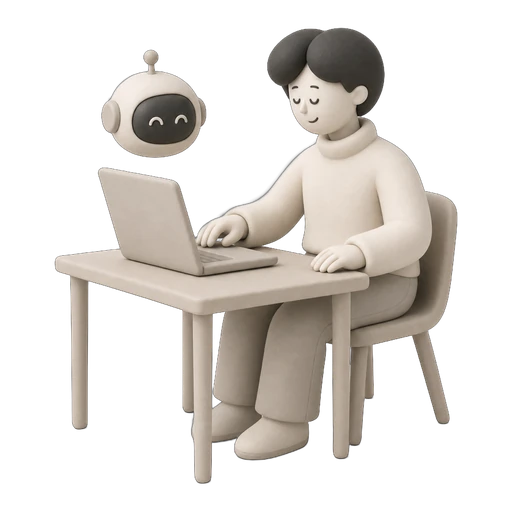

Manual voice production doesn't scale
Clicking through a GUI to generate one clip at a time works for a handful of files. But when you need hundreds of lines for a game, weekly podcast episodes, or localized training modules, manual workflows become a bottleneck that burns hours every week.
How CLI & AI Automation works
Three steps to automate any voice workflow.
Install and open Vois
The CLI ships inside the desktop installer. Run the packaged binary directly from the Vois app folder; no second download, privileged symlink, or PATH change is required.
Load the verified skill archive
The well-known Agent Skills index advertises a SHA-256 digest and a complete archive containing the CLI skill plus both reference files.
Approve each production step
The agent shows the command and output path first. It runs only after approval, on the same machine and OS account as the open Vois app.
What you can do
Everything cli & ai automation enables, explained simply.
17 focused command groups
Full control over TTS generation, voices, projects, scripts, speakers, export, mastering, pronunciation, timeline, models, and more.
AI agent skill files
A digest-verifiable CLI archive and a dialogue-writing skill cover installation, recovery, commands, error codes, pacing, supported tags, and speaker structure.
Batch generation
Generate an approved script or one line per text file in a repeatable local workflow.
JSON output mode
Machine-readable output for pipeline integration. Parse results, check status, and chain commands together.
Voice cloning via CLI
Clone a permitted voice after explicit consent confirmation, then manage the saved local voice by ID.
Export with mastering profiles
Apply platform presets from the command line. Export to ACX, Spotify, Apple Podcasts, YouTube, or custom profiles without opening the GUI.
Who uses this feature
See how different creators use cli & ai automation.
Under the hood
The technical details, simplified.
Common questions
Everything you need to know about cli & ai automation.
Works great with
Explore other features that complement cli & ai automation.


Ready to try cli & ai automation?
Join creators who use Vois to bring their content to life. Start free with the core local voices, choose Subscriber for the classic studio, or go Pro for Omni and Voice Design. Cancel anytime.